Need a Virtual Number Right Now?
Skip the wait — rent an instant virtual number and start receiving SMS codes in seconds.
SMS verification is widely used when registering an account, logging in, recovering a password, or confirming an important action. Users simply need to enter their phone number, wait for the OTP code, and enter it on the website or application. The verification process usually takes only a few minutes.
However, in reality, things do not always go smoothly. Users may encounter situations such as not receiving the code, the SMS arriving too slowly, the OTP expiring, the code being reported as invalid, the phone number being rejected, or a “Too many attempts” message appearing.
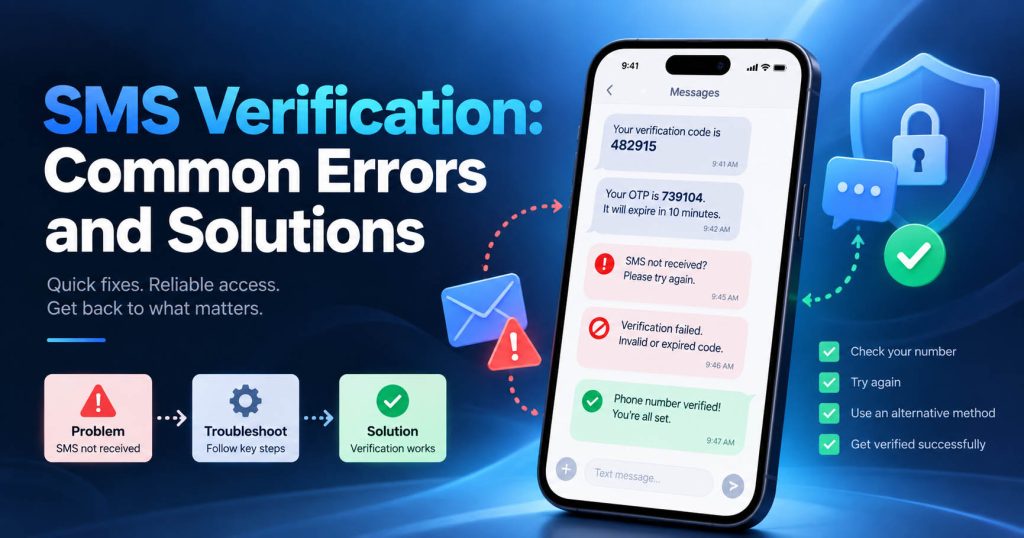
The important point is that all of these situations should not be treated as a single type of error. In this article, SMS Nova will analyze the most common SMS verification errors and explain how to resolve each situation.
What Is SMS Verification?
SMS Verification is a verification method in which a website or application sends a security code to the user’s phone number.
This code is commonly referred to as:
- OTP – One-Time Password
- Verification Code
- SMS Code
- Security Code
- Authentication Code
An OTP code is usually used only once and remains valid for a limited period of time.
SMS Verification is commonly used in situations such as: Registering a new account, logging in on a new device, verifying a phone number, recovering a password, enabling two-factor authentication, or confirming a sensitive action.
The Most Common SMS Verification Errors
Most SMS verification errors can be divided into the following groups:
| Error | Common Cause | How to Handle It |
|---|---|---|
| OTP not received | incorrect number, carrier, filtering, route | check the number and connection |
| OTP arrives late | queue, congestion, routing | wait before resending |
| OTP expired | code arrived too late | request a new code |
| Invalid Code | old code or incorrect session | use the latest OTP |
| Phone number rejected | restriction | check the number type |
| Too many attempts | rate limit | stop requesting and wait |
| Short code blocked | carrier restriction | check with the carrier |
| SMS filtered | spam filter | check the Spam folder |
| Virtual number does not receive OTP | compatibility | check the platform and number type |
Accurately identifying the error message can save a significant amount of troubleshooting time.
SMS Verification Code Not Received
This is one of the most common errors. You enter the phone number, click “Send Code”, the website says that the code has been sent, but no SMS appears. There can be many different causes.
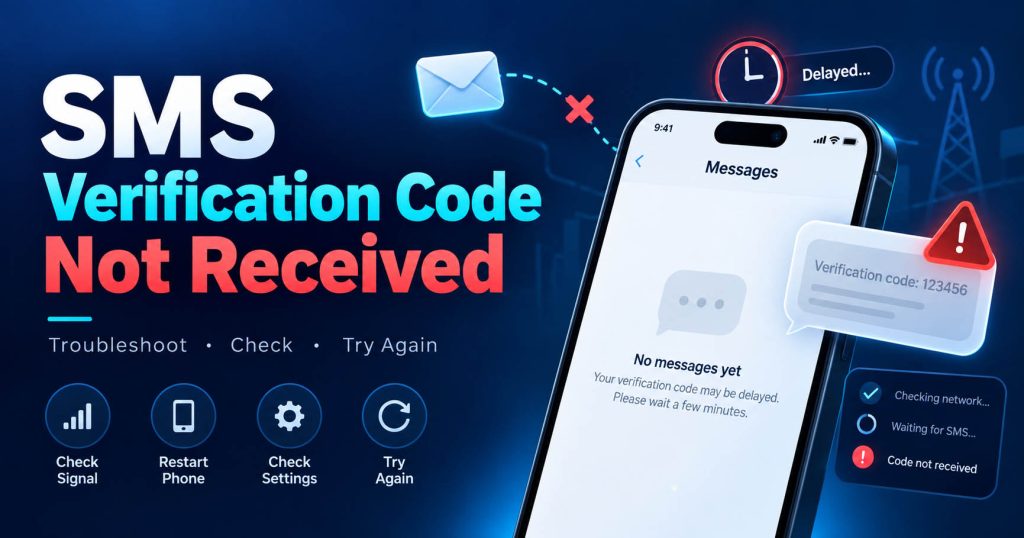
Incorrect Phone Number
This is the first thing you should check. Just one incorrect digit can cause the OTP to be sent to a completely different number. If you are using a virtual phone number or temporary phone number, you should copy the number directly from the dashboard instead of entering it manually.
Incorrect Country Code
Another common error is entering the wrong country code. For example, the website has automatically added the country code, but the user enters it one more time. This can result in an invalid format. Therefore, check whether the number input field requires:
+1 555…
or only:
555…
Device Has No Cellular Connection
A phone can still access the Internet over Wi-Fi but may not be connected to the mobile network. In that case, the SMS may not arrive. Try receiving a normal text message from another number. If you cannot even receive personal SMS messages, check:
SIM, mobile signal, airplane mode, roaming, and network status.
Message Has Been Filtered
Many Messages apps automatically sort SMS into sections such as:
Spam, Junk, Unknown Senders, or Blocked Messages.
The OTP may have already arrived but be located in another section. This is why you should check the entire inbox before requesting the code again.
Optimal Troubleshooting Approach
When you do not receive the OTP, follow these steps in order:
Check the number → check the country code → check SMS receiving capability → check Spam → wait before resending.
You should not change the number immediately.
SMS Verification Code Arrives Too Slowly
An OTP not arriving immediately does not necessarily mean delivery failure. An SMS can be delayed during transmission.
Common causes include:
Network congestion, SMS queue, carrier routing, international route, or the sending system experiencing high traffic. If the system’s throughput is insufficient, messages will have to remain in the queue.
How Is Delayed Different from Failed?
These two concepts need to be distinguished.
Delayed: The SMS is still on its way to the recipient.
Failed: The SMS cannot be delivered.
A code that arrives after 30 seconds or a few minutes is a delay. A code that never arrives may be due to delivery failure, filtering, or restriction.
Should You Press Resend Immediately?
You should not. If you press Resend multiple times, the system may generate multiple additional OTPs. When the codes arrive together, users can easily enter the wrong old code. In addition, continuous requests may trigger a rate limit. The best approach is to wait until the timer displayed by the website has expired before requesting a new code.
OTP Has Expired
Another very common error is: Code expired
OTP usually has a limited validity period to reduce the risk of the code being reused. Therefore, a code may arrive but no longer be valid.
Why Has the Code Just Received Already Expired?
This usually happens when: Delivery Delay + Expiration Time
For example:
The website generates the OTP at 10:00.
The code is valid only for a short period.
The SMS is delayed during routing.
By the time you receive the code, its validity period has already ended.
How to Handle It
Do not continue entering the old code.
Select: Resend Code or: Request New OTP
Then enter the new OTP immediately after receiving it. One important point is that the OTP validity period is not the same as the validity period of a temporary phone number. The website controls the OTP. The phone number service only receives the SMS. Therefore, the number may still be active while the code has already expired.
Verification Code Shows “Invalid Code”
An OTP may look completely correct, but the website may still display: Invalid Code. There are several possible causes.
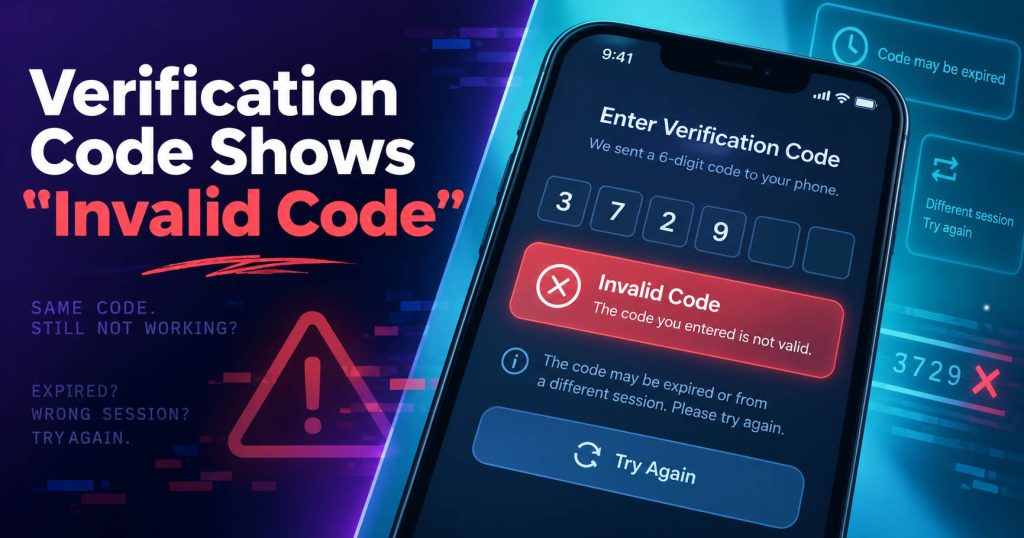
The Code Belongs to an Earlier Request
If you request a new OTP, the system may invalidate the previous code. Therefore, a code that arrives late from the first request may no longer be valid.
The Code Belongs to a Different Session
In some systems, the OTP is linked to a specific session. If you close the page, reopen it, or start a new verification session, the code from the previous session may no longer be usable.
The Code Has Already Been Used
An OTP can only be used once. After successful verification, the code usually cannot be used again.
Incorrect Digits Entered
This is still a common error. For example: 482903
may be entered as:
482930.
If possible, copy the OTP directly instead of entering it manually.
Optimal Troubleshooting Approach
If you receive multiple codes:
- Check the timestamp.
- Select the code belonging to the most recent request.
- Do not try multiple old OTPs.
- If you are unsure, request one new OTP only.
Website Says “This Phone Number Cannot Be Used”
This is a particularly important error for virtual phone number users. This message does not necessarily mean that the number is faulty. The website may intentionally reject a certain type of number. For example: VoIP Number, Virtual Phone Number, Temporary Phone Number, or Shared Number.
Why Does the Website Reject the Number?
Platforms may use number classification systems to reduce bots, spam, fake accounts, and abuse. If the number type does not meet the website’s policies, the system may not send the OTP.
In this case: Number works ≠ the website must accept the number
A number may receive SMS completely normally from Service A but be rejected by Service B. This is usually a form of compatibility restriction.
The Number Has Been Used Too Many Times
Some websites limit the number of accounts that can be verified using the same number. If a shared number has been used by many users, the system may reject it.
How to Handle It
You should not continuously request OTPs to a number that has already been rejected by the website.
Check:
- Whether the website supports virtual numbers.
- Whether the number’s country is supported.
- Whether the number type is compatible.
- Whether another verification method is available.
Too Many Attempts / Try Again Later
This is usually an error related to rate limits. A rate limit is a mechanism that limits the number of times a user can:
Request an OTP, resend a code, enter an incorrect code, or start a verification session. The purpose is to prevent spam and abuse.
Why Do Users Easily Encounter This Error?
A very common situation is:
No OTP after 10 seconds → Resend.
Still not received → Resend again.
After several attempts → Too many attempts.
At this point, the system may temporarily stop sending SMS.
Optimal Troubleshooting Approach
When you see the message:
Too many attempts
or:
Try again later
stop making requests.
You should not:
- Continue clicking resend.
- Keep changing numbers.
- Refresh the page dozens of times.
- Try entering old OTPs.
Instead, wait according to the website’s instructions. There is no universal rate limit duration for all platforms.
SMS Is Sent to Spam or Unknown Senders
Sometimes the OTP has been successfully delivered, but the user cannot see it. The Messages app may automatically classify SMS.
Check areas such as:
Spam
Unknown Senders
Junk
Blocked Messages
If you use anti-spam software or a third-party SMS application, check the rules that are currently enabled. An SMS Verification message may be filtered because the sender is not in your contacts or because the system identifies the message as automated.
Short Code Is Blocked or Not Supported
Not every OTP is sent from a regular phone number. Many businesses use short codes. These are short numbers used for:
OTP, marketing SMS, notifications, and alerts. Some carriers or subscription plans may not support all short codes.
Therefore, you may be able to:
Need a Virtual Number Right Now?
Skip the wait — rent an instant virtual number and start receiving SMS codes in seconds.
Receive normal SMS from friends but not receive OTPs.
How to Handle It
If multiple websites using short codes are unable to send SMS to your SIM, contact your carrier.
You can ask whether:
- Your subscription has short-code SMS blocked.
- Premium SMS has been disabled.
- There are any restrictions on your account.
Carrier Filtering Blocks Verification Codes
Carriers today use filtering to reduce spam, phishing, and unusual traffic. This also means that a valid SMS can sometimes be affected. The carrier may evaluate:
Sender reputation, message volume, sending too quickly, route, or traffic patterns.
How Is Filtering Different from Delay?
Delay: The SMS arrives late.
Filtering: The SMS may not arrive.
Users usually cannot directly control carrier filtering. If only one website has an issue while other SMS messages work normally, the cause may lie with that platform’s sender or route.
Anti-Fraud System Prevents OTP Delivery
A website may decide not to send an OTP in the first place. Anti-fraud systems can evaluate many factors: IP, country, device, browser, login history, number of requests, VPN, or activity patterns.
For example, an account that normally logs in from one country but suddenly has a request from a different location may be required to complete an additional verification step. In some cases, the SMS code may not be sent.
How to Handle It
Use a familiar device. Avoid changing IP addresses continuously. Do not start too many verification sessions. If the platform provides an account recovery process, follow that process correctly.
Virtual Phone Number or Temporary Phone Number Does Not Receive OTP
A common misconception is:
“A virtual number definitely cannot receive OTPs.”
This is not true in every case. The ability to receive an OTP usually depends on multiple factors:
Country + Carrier + Route + Number Type + Platform Policy
Some virtual numbers may receive OTPs from one website but may not be supported on another website.
Public and Shared Number
If a number is used by multiple people, it may have previously been used to register accounts. This increases the possibility of being: Limited, rejected, or required to undergo additional verification.
Number Recycling
A phone number may have previously belonged to another user before being reassigned. Therefore, the website may recognize that the number was linked to an old account.
When Should You Change the Number?
You should only consider changing the number when:
The website rejects the number from the beginning.
The route does not work.
The number type is not supported.
You should not change the number simply because the OTP has not arrived after a few seconds.
SMS Gateway or Carrier Is Experiencing an Issue
Not every error is caused by the user. The SMS Provider, Gateway, or Carrier may temporarily experience an issue.
Some signs include:
Multiple users are unable to receive OTPs.
Multiple different numbers are experiencing delays.
SMS messages from the same platform are delayed on a large scale.
In this situation, repeatedly taking action usually does not help. A better approach is to wait and try again after the system has stabilized.
How to Troubleshoot SMS Verification Step by Step
Instead of trying random solutions, SMS Nova recommends following this process.
Step 1: Check the Phone Number
Confirm every digit. If using a virtual number, copy it directly from the dashboard.
Step 2: Check the Country Code
Make sure the country code is not entered twice.
Step 3: Check SMS Receiving Capability
If using a SIM, try receiving a normal SMS.
Step 4: Check Spam and Unknown Senders
The OTP may have already arrived but been filtered.
Step 5: Wait Before Resending
You should not spam the Resend Code button.
Step 6: Check the Error Message
Distinguish between:
Expired
Invalid
Too many attempts
Phone number cannot be used
Each error requires a different approach.
Step 7: If You Receive Multiple OTPs, Use the Latest Code
Check the timestamp before entering the code.
Step 8: Check the Number Type
Does the website support: Mobile, VoIP, Virtual, or Temporary Number?
Step 9: Switch to Another Verification Method if Necessary
Some services support: Email, authenticator app, voice call, passkey, or backup code.
How to Handle SMS Verification When Using SMS Nova
When using SMS Nova, we recommend following a controlled process.
Select the Correct Country
The country of the number should match the platform’s requirements.
Select the Correct Service
If the system provides a service option, select the correct website/app that needs to receive the OTP.
Copy the Number
Avoid entering it manually.
Request the OTP Once
Then keep the dashboard open and monitor the message.
Check the Timestamp
If there are multiple SMS messages, identify the latest OTP.
Accurately Identify the Type of Error
You can quickly classify the issue as follows:
Delay → wait.
Expired OTP → request a new code.
Invalid Code → use the latest OTP.
Restriction → check compatibility.
Rate Limit → stop making requests.
Delivery Failure → check the number or route.
This approach is much more effective than continuously changing numbers.
When Should You Use Another Verification Method?
SMS Verification is convenient, but it is not necessarily the best method for every account. If the platform supports them, users can consider:
Authenticator App, passkey, security key, email verification, or backup code.
For bank accounts, primary email accounts, or important business accounts, you should not rely on a temporary phone number for long-term recovery. Temporary numbers are more suitable for short-term verification situations when the platform allows them.
Common Mistakes When Troubleshooting SMS Verification Errors
Resending Too Many Times
This is the most common mistake. It can cause a rate limit and create multiple overlapping OTPs.
Entering Every OTP You Receive
Older codes may have already become invalid.
Continuously Changing Numbers
This may cause the anti-fraud system to identify the activity as unusual.
Assuming Every Virtual Number Works on Every Website
This is not true. Each platform has its own policies.
Using a Temporary Number for an Account That Requires Long-Term Recovery
This can create a risk of losing access later.
Sharing the OTP with Others
An OTP is security information. Do not provide the verification code to anyone else, even if they claim to be a support representative.
Quick Checklist: Which Error – How to Handle It?
| Error | Optimal Troubleshooting |
|---|---|
| OTP not received | check the number, network, and inbox |
| OTP arrives late | wait before resending |
| OTP expired | request a new code |
| Invalid Code | use the latest OTP |
| Phone number rejected | check compatibility |
| Too many attempts | stop requesting and wait |
| SMS filtered | check Spam/Unknown Senders |
| Short code not received | check with the carrier |
| Virtual number rejected | try a compatible number type |
| System error | try again later |
Frequently Asked Questions About SMS Verification
Why Am I Not Receiving an OTP Even Though the Phone Number Is Correct?
It may be due to carrier filtering, routing, short codes, rate limits, or the platform not actually sending the SMS.
If the OTP Arrives Late, Should I Request a New Code Immediately?
No. Wait for the website’s timer before resending to avoid creating multiple overlapping codes.
Why Has the Code Just Received Already Expired?
The SMS may have been delayed, causing the OTP to exceed its expiration time before you received it.
Why Does the OTP Show “Invalid Code”?
The code may belong to an earlier request, may have expired, may have already been used, or may not belong to the current verification session.
Can a Virtual Phone Number Receive OTPs?
It can, if the route supports it and the website accepts that type of number.
Why Does the Website Say “This Phone Number Cannot Be Used”?
The website may not accept VoIP Number, Virtual Number, or Temporary Number, or the number may have been used too many times.
Should I Click Resend Multiple Times?
No. This can trigger a rate limit.
Does a VPN Affect SMS Verification?
It can. Some anti-fraud systems use IP address and location as evaluation signals.
Does an Expired OTP Mean That the Phone Number Has Expired?
No. These are two independent mechanisms.
When Should I Contact the Carrier?
If multiple services and multiple different short codes are all unable to send SMS to your SIM.
Reference sources:
https://pages.nist.gov/800-63-4/sp800-63b.html
https://support.google.com/accounts/answer/185834
https://support.google.com/accounts/answer/148367
https://support.microsoft.com/en-gb/accounts-billing/manage/troubleshoot-microsoft-verification-code-issues
https://docs.fcc.gov/public/attachments/DOC-361954A1.pdf
Need a Virtual Number Right Now?
Skip the wait — rent an instant virtual number and start receiving SMS codes in seconds.

 Apple
Apple  Telegram