Need a Virtual Number Right Now?
Skip the wait — rent an instant virtual number and start receiving SMS codes in seconds.
SMS Verification is one of the most common methods for confirming a phone number when registering an account, logging in, recovering a password, or enabling two-factor authentication. However, this seemingly simple process can sometimes cause quite a few problems: the OTP does not arrive, the SMS arrives too slowly, the code has already expired when received, or the website reports that the phone number cannot be used.
From our experience working with virtual phone number and temporary phone number at SMS Nova, we have found that a fairly common mistake is for users to immediately assume that the phone number is faulty. In reality, SMS Verification depends on many different components.
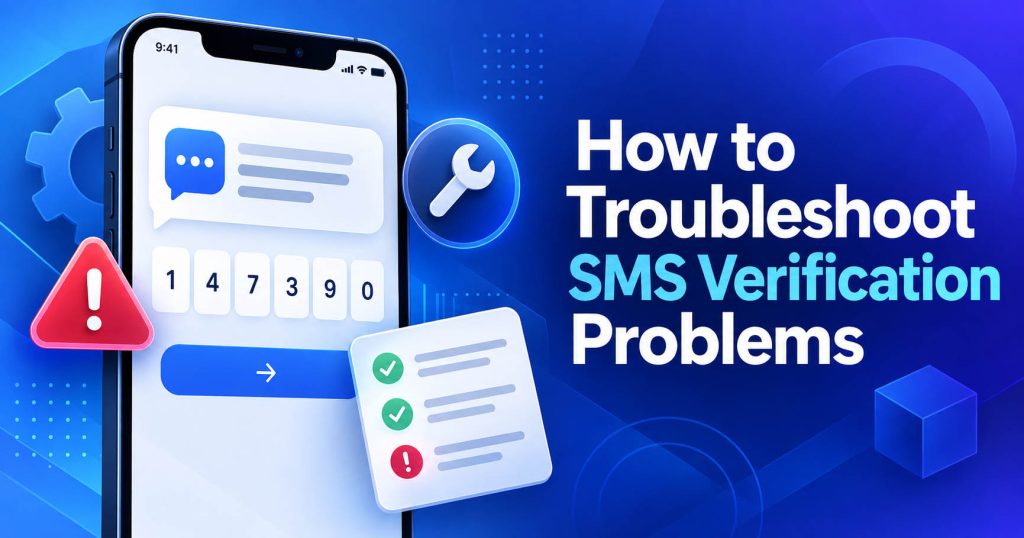
A problem at just one step can interrupt the verification process.
Therefore, the most effective way to fix the issue is not to repeatedly click “Resend Code”, but to identify the exact layer where the error is occurring. In this article, SMS Nova will guide you through how to handle each common situation and help you determine whether the problem lies with the device, carrier, website, or the type of number being used.
What Is SMS Verification and Where Do Common Errors Occur?
SMS Verification is the process in which a website or application sends a verification code to the phone number provided by the user. This code is commonly called an OTP – One-Time Password or verification code.
An OTP can be used to register an account, log in on a new device, perform two-factor authentication, recover a password, or confirm an action that requires security.
Common SMS Verification Errors
Some common situations include:
OTP not received: usually related to the phone number, carrier, route, filtering, or restriction.
OTP delayed: may be caused by a queue, network congestion, or routing.
OTP expired: usually occurs when delivery is too slow or the user enters the code after its validity period.
OTP reported as incorrect: the code may belong to an old session or may have been replaced.
Website rejects the number: usually related to the number type or the platform’s policies.
Too many attempts: usually a sign of a rate limit or anti-fraud system.
Understanding the type of error correctly can significantly reduce troubleshooting time.
Did Not Receive the SMS Verification Code – Check the Basics First
When the OTP does not appear, do not start with overly complicated steps.
The first thing to check is the phone number and country code.
Entering just one incorrect digit or selecting the wrong country code can cause the code to be sent to the wrong destination or rejected by the system.
If the website already has a country selection menu, check whether the system automatically adds the country code. Some users select “United States +1” but then manually enter +1 again in the number field, making the format invalid.
If you are using SMS Nova, we recommend copying the number directly from the dashboard instead of entering it manually.
Next, if you are using a traditional SIM, check the mobile network connection.
The phone may still be able to access the Internet via Wi-Fi but not have enough cellular signal to receive SMS. Try receiving a regular text message from another number. If even personal SMS messages do not arrive, the problem is likely with the device or carrier.
In addition, check Spam, Unknown Senders, and Blocked Messages. Some messaging apps automatically classify transactional SMS or OTPs into a different section.
What Should You Do When the Verification Code Does Not Arrive?
If the phone number is correct and the device is still working normally, the next step is to wait for a reasonable amount of time. SMS is not always delivered immediately.
A verification code can be delayed due to the carrier, message queue, routing, or network congestion. Therefore, an OTP that has not arrived after a few seconds does not mean that the number is faulty. What we particularly do not recommend is repeatedly clicking Resend Code.
Many websites use rate limits to limit the number of times an account or phone number can request an OTP within a certain period. If users repeatedly send requests, the system may temporarily stop sending codes.
In addition, requesting too many OTPs creates another problem: multiple codes may arrive almost at the same time, and you may not know which code is still valid. If you have clicked Resend, prioritize the OTP associated with the most recent request.
How to Handle an SMS Verification Code That Arrives Too Slowly
A delayed SMS and a completely failed SMS are two different situations.
Delayed means the message may still appear later.
Failed or Undelivered means the SMS could not be successfully delivered.
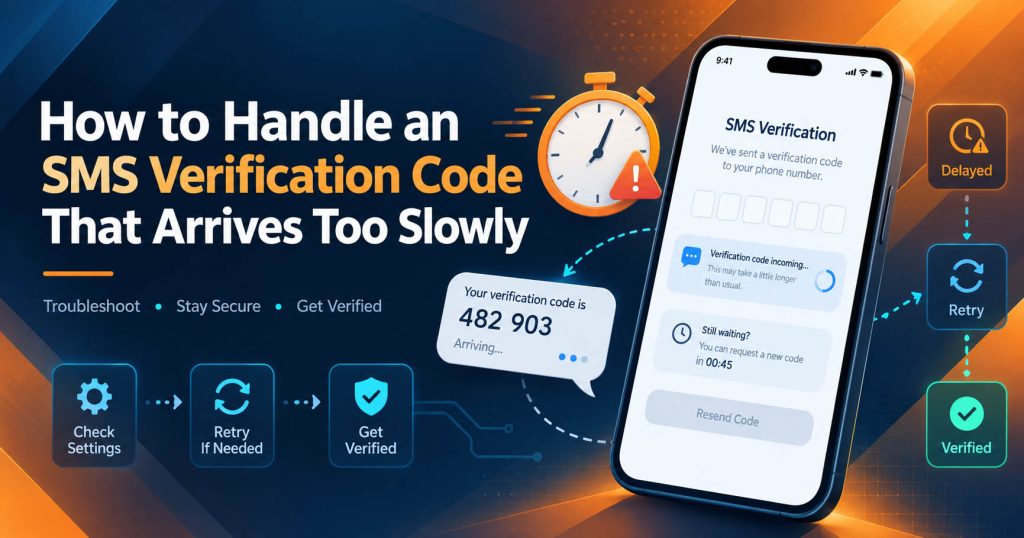
SMS delays commonly occur when the network or SMS Gateway is processing a large amount of traffic. For example, during peak hours or when a major platform experiences a sharp increase in logins, thousands of OTPs may be generated within a short period.
If the system’s throughput is insufficient, the messages have to remain in the queue. International SMS can also be more prone to delays because they may have to pass through multiple carriers or aggregators before reaching the destination. If an OTP arrives late, check the timestamp before entering it. An older code may have already expired or been replaced.
How to Handle an Expired OTP
If the website displays Code expired, do not continue trying to use the same code. An OTP is designed to remain valid only for a limited period of time.
When the code has expired, the correct way to handle it is to request a new code using Resend Code, Request New OTP, or a similar function.
After that, keep the verification page open and enter the new code as soon as you receive it. If you receive multiple SMS messages at the same time, check the timestamps and prioritize the OTP from the most recent request.
An important point to remember is that the OTP validity period and the usage period of a temporary phone number are two different concepts.
The OTP is controlled by the website that issues it. The phone number only serves to receive the SMS. Therefore, the number may still be working normally while the OTP has already expired.
How to Handle an OTP That Is Reported as Invalid
A code that has just been received is not always guaranteed to still be usable. If the website reports Invalid Code, there are several possibilities. The code may belong to a previous verification session. You may have requested a new code, causing the old OTP to become invalid. Or the code may have already been used. Another simpler error is entering the wrong digit.
If the SMS looks like:
“Your verification code is 847192” copy the exact six digits instead of entering them manually if the platform allows it. If you have requested multiple OTPs, you should not try all the codes one by one. Entering incorrect codes too many times can trigger anti-fraud measures or limit the number of verification attempts.
What Should You Do If the Website Says “This Phone Number Cannot Be Used”?
This is one of the most important errors for users of virtual phone numbers. If the website reports “This phone number cannot be used”, the issue may not be related to the ability to receive SMS.
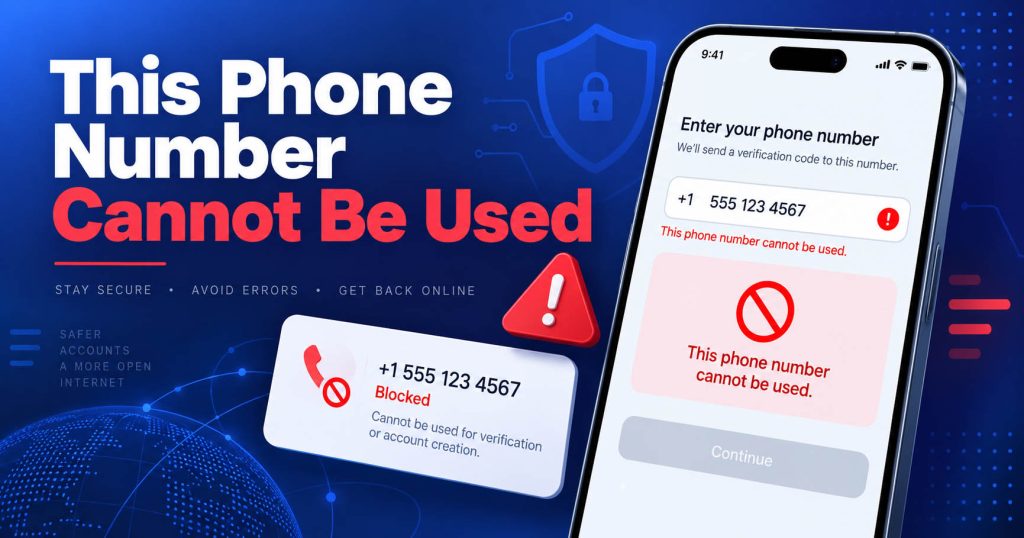
The website may deliberately not support:
VoIP Number, Virtual Phone Number, Temporary Phone Number, Disposable Number, or Shared Number.
Some platforms apply this policy to limit bots, spam, fake accounts, or abuse.
What you need to understand is:
A phone number can still work completely normally but be rejected by a specific website.
This is a compatibility restriction, not a technical error with the number.
The Number Has Been Used Too Many Times
Some platforms also set a limit on the number of accounts that can be verified using the same phone number. If the number has been used too many times, the system may require a different number. This situation is more commonly encountered with a shared number or public SMS inbox.
The Country Is Not Supported
A website may also accept numbers only from certain regions. If the service requires a US number but you use a number from another country, OTP delivery may be rejected from the beginning.
How to Handle the “Too many attempts” or “Try again later” Error
This message is usually related to a rate limit. A rate limit is a mechanism that limits the number of times a user can request or verify an OTP within a certain period of time. Platforms use rate limits to prevent bots, brute-force attacks, SMS pumping, and spam. If you repeatedly click Resend, you may unintentionally trigger this mechanism.
When you see:
Too many attempts or Try again later
the best thing to do is stop sending additional requests. Wait according to the website’s instructions. There is no single waiting period that applies to all platforms. One website may require a few minutes, while another service may apply a longer waiting period. Continuing to try during the restricted period usually only makes the problem more complicated.
How Do Carrier Filtering and Short Codes Affect SMS Verification?
Not every OTP is sent from a regular phone number. Many platforms use a short code, which is a short number designed to send automated messages such as OTPs, notifications, and alerts. Some carriers or types of subscriptions may not support every short code. Therefore, you may be able to receive personal SMS normally but still not receive a verification code.
There is also carrier filtering. Carriers use automated systems to filter spam, phishing, fraud, and inappropriate types of A2P SMS.
The filtering system may consider:
Need a Virtual Number Right Now?
Skip the wait — rent an instant virtual number and start receiving SMS codes in seconds.
Sender reputation, sending frequency, traffic volume, and traffic patterns.
If the sender or route is considered unusual, even a valid OTP may be delayed or blocked. This is a factor that is almost entirely beyond the user’s control.
How Can an Anti-Fraud System Block an OTP?
Today’s websites do not evaluate only the phone number. An anti-fraud system may use multiple signals:
IP, country, device, browser, login frequency, number of OTP requests, and activity history.
If a user suddenly logs in from a new country, repeatedly changes devices, or makes multiple requests within a short period of time, the system may increase the risk score.
In this case, not receiving an OTP does not necessarily mean that the SMS has failed. The website may deliberately choose not to send the code. If you suspect an anti-fraud system is involved, you should use a familiar device, avoid continuously changing your IP, and follow the platform’s own recovery process.
How to Fix SMS Verification Issues When Using a Virtual Phone Number
When using a Virtual Phone Number, troubleshooting requires a few additional steps.
First, check that you have selected the correct country and service. A virtual phone number may be able to receive SMS from Platform A but be incompatible with Platform B. This is not unusual.
The ability to receive an OTP depends on:
Country + Carrier + Route + Type of Number + Platform Policy
If you are using a temporary phone number, you should also check whether the number is still within its usage period. A number that has expired may no longer continue to receive new SMS messages.
In addition, do not rush to change numbers just because the OTP has not arrived after a few seconds. If you continuously change numbers and request OTPs, the website may consider this unusual activity.
How to Fix SMS Verification Issues on SMS Nova
With SMS Nova, we recommend that users follow a clear sequence.
Step 1 – Select the Correct Country
Select the country that is appropriate for the service you need to verify.
Step 2 – Select the Correct Service
If SMS Nova currently supports the platform you need, select the correct service instead of using just any number. For example: Temporary Phone Number for Claude AI.
Step 3 – Copy the Number
Copy the phone number directly from the system to avoid entering the wrong country code or missing digits.
Step 4 – Request an OTP
Enter the number on the website and send the request only once at first.
Step 5 – Keep the Dashboard Open
Monitor SMS Nova to receive the message as soon as it appears.
Step 6 – Use the Latest OTP
If there are multiple codes, check the timestamp.
Step 7 – If the Code Does Not Arrive
Determine which category the issue belongs to:
Delay, rate limit, restriction, expired number, or compatibility issue.
When Should You Try a Different Number?
You should consider using a different number when there is clear evidence that the current number is incompatible.
For example: The website rejects the number from the beginning, or the route is continuously unable to receive the OTP. You should not change numbers simply because the SMS is delayed by a few seconds.
When Should You Switch to Another Verification Method?
SMS is a convenient verification method, but it does not necessarily have to be the only option. If the website supports it, you can use: Email verification, voice call, authenticator app, passkey, backup code, or trusted device.
For important accounts, we do not recommend relying entirely on SMS. An Authenticator App, passkey, or another security method may be more suitable for financial accounts, primary email accounts, and business accounts.
How Can You Tell Whether the Problem Is With the Phone, Carrier, or Website?
You can quickly diagnose the issue based on the symptoms.
Cannot receive SMS from any source: check the device, SIM, and carrier.
Can receive SMS normally but only one website does not send the OTP: the problem may be with the sender, route, or website policy.
Website reports “This phone number cannot be used”: it is likely a number restriction.
Website reports “Too many attempts”: rate limit.
SMS arrives but the code has expired: delivery delay combined with expiration time.
OTP arrives but is reported as incorrect: it may be an old code, wrong session, or a code that has been replaced.
This approach is much more effective than continuously changing numbers or resending the code.
Mistakes Users Should Avoid When Troubleshooting SMS Verification
The most common mistake is repeatedly clicking Resend. This can cause a rate limit and lead to multiple overlapping OTPs.
The second mistake is trying all the codes received. If the website has already generated a new OTP, the old code may no longer be valid.
The third mistake is continuously changing numbers.
This not only makes the process more difficult to track but can also trigger anti-fraud measures.
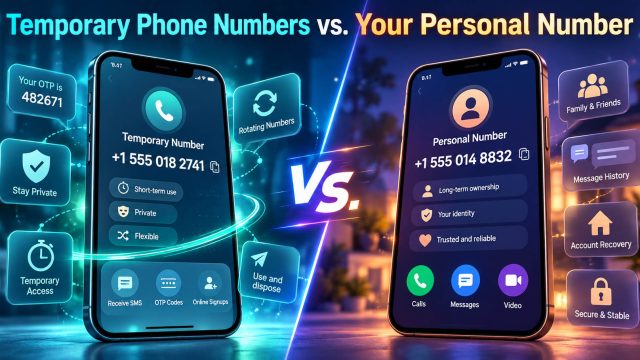
Finally, you should not use a temporary phone number as a long-term recovery method for an important account.
A temporary number is suitable for short-term verification. If you need to keep an account for many years, you should use a number or recovery method that you can control over the long term.
And most importantly: never share your OTP with anyone else.
Quick SMS Verification Troubleshooting Checklist
If you need to resolve the issue quickly, check the following in order:
- Check the phone number and country code.
- Check whether the device has a signal and can receive SMS.
- Check Spam, Unknown Senders, and Blocked Messages.
- Wait before clicking Resend Code.
- If there are multiple OTPs, use the latest code.
- Check whether you are being affected by a rate limit.
- Confirm that the website supports the type of number you are using.
- Try another verification method if available.
- If only one website is experiencing the issue, consider a problem with the sender, route, or policy.
Frequently Asked Questions About Fixing SMS Verification
Why Am I Not Receiving an SMS Verification Code?
Possible causes include an incorrect phone number, carrier filtering, short code issues, rate limits, routing issues, or the website not supporting the type of number.
How Long Does an OTP Usually Take to Arrive?
There is no fixed time. Under good conditions, the code usually arrives quite quickly, but the delivery speed depends on the carrier, country, and route.
Should I Press Resend Code Multiple Times?
No. This can trigger a rate limit and create multiple overlapping OTPs.
Why Does the OTP Arrive but Cannot Be Used?
The code may have expired, may belong to an earlier request, or may have been replaced by a newer code.
Why Does the Website Reject a Virtual Phone Number?
Some platforms do not support VoIP Number, Virtual Number, or Temporary Phone Number due to anti-abuse policies.
Can a Temporary Phone Number Receive an OTP?
It can, provided that the number supports SMS, the route is compatible, and the website accepts that type of number.
Does a VPN Affect SMS Verification?
It can in some systems. An unusual change in IP address or location may become an anti-fraud signal, but the handling depends on each website.
When Should I Contact the Carrier?
If multiple different services and multiple short codes are unable to send SMS to your SIM, the carrier is one of the parties you should check with.
When Should I Try a Different Number on SMS Nova?
When there are clear signs that the current number is incompatible or the website rejects that type of number.
Reference sources:
https://support.google.com/accounts/answer/185834
https://support.google.com/meet/answer/12388363
https://support.microsoft.com/en-gb/accounts-billing/manage/troubleshoot-microsoft-verification-code-issues
https://help.twilio.com/articles/4404317129627-Troubleshooting-Undelivered-Verify-and-Authy-SMS-Messages
Need a Virtual Number Right Now?
Skip the wait — rent an instant virtual number and start receiving SMS codes in seconds.

 Apple
Apple  Telegram