Need a Virtual Number Right Now?
Skip the wait — rent an instant virtual number and start receiving SMS codes in seconds.
How to Easily Receive a Verification Code Without Your Personal Phone Number · 2:01
Transcript
More and more websites and applications require users to verify their accounts via SMS. The process is usually very simple: enter a phone number, receive an OTP, and enter the code into the system. However, not everyone wants to provide their primary phone number to every online service. The question is: Can you receive a verification code without using your personal phone number? The answer is yes, in many cases. Users can use a virtual phone number, a temporary phone number, a second SIM or eSIM, or another verification method if the platform supports it. However, one thing needs to be clearly distinguished: not using your personal phone number does not mean bypassing the website's verification requirement. If a platform requires SMS Verification, you still need a valid phone number that can receive SMS and is accepted by that platform. In this article, SMS Nova will analyze ways to receive a verification code without using a personal phone number, the advantages and disadvantages of each option, privacy concerns, and situations where you should not use a temporary phone number. Can You Receive a Verification Code Without Using Your Personal Phone Number? Yes. If a website or application still requires SMS Verification, you can use another number instead of your primary phone number. Common options include: virtual phone numbers; temporary phone numbers; a second SIM or eSIM; a business phone number; a secondary phone number maintained long-term. In addition, if the platform provides another verification method, you may not need SMS at all. For example: Email Verification, Authenticator App, Passkey, Security Key, Voice Call, or Backup Code. The important point is that the decision over the verification method belongs to the platform. If the website only allows SMS, users cannot simply skip this step themselves. In that case, the practical option is to use a suitable phone number instead of their personal number.
More and more websites and applications require users to verify their accounts via SMS. The process is usually very simple: enter a phone number, receive an OTP, and enter the code into the system. However, not everyone wants to provide their primary phone number to every online service.
The question is: Can you receive a verification code without using your personal phone number?
The answer is yes, in many cases. Users can use a virtual phone number, a temporary phone number, a second SIM or eSIM, or another verification method if the platform supports it.
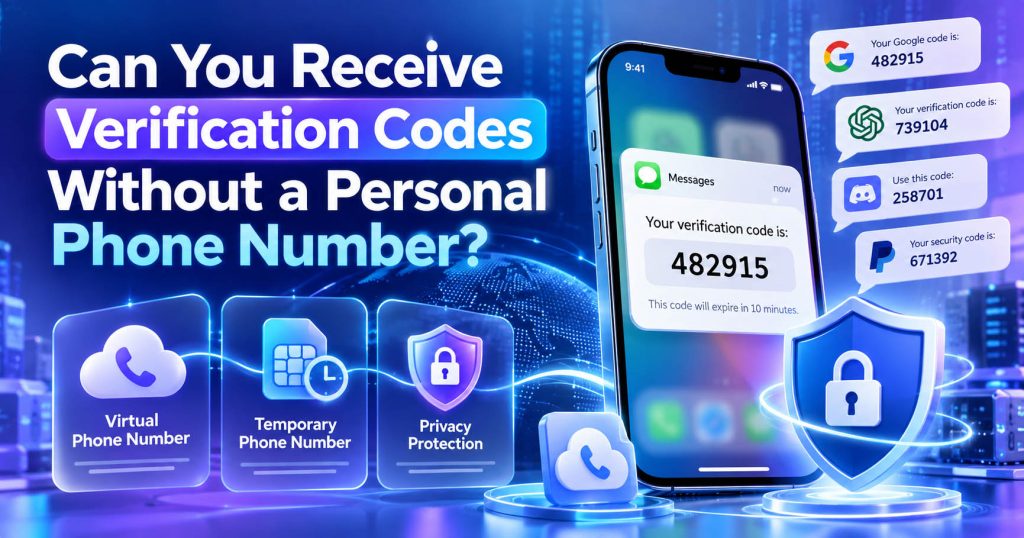
However, one thing needs to be clearly distinguished: not using your personal phone number does not mean bypassing the website’s verification requirement. If a platform requires SMS Verification, you still need a valid phone number that can receive SMS and is accepted by that platform.
In this article, SMS Nova will analyze ways to receive a verification code without using a personal phone number, the advantages and disadvantages of each option, privacy concerns, and situations where you should not use a temporary phone number.
Can You Receive a Verification Code Without Using Your Personal Phone Number?
Yes. If a website or application still requires SMS Verification, you can use another number instead of your primary phone number.
Common options include:
- virtual phone numbers;
- temporary phone numbers;
- a second SIM or eSIM;
- a business phone number;
- a secondary phone number maintained long-term.
In addition, if the platform provides another verification method, you may not need SMS at all.
For example: Email Verification, Authenticator App, Passkey, Security Key, Voice Call, or Backup Code.
The important point is that the decision over the verification method belongs to the platform. If the website only allows SMS, users cannot simply skip this step themselves. In that case, the practical option is to use a suitable phone number instead of their personal number.
Why Do Many People Not Want to Use Their Personal Phone Number for Verification?
A phone number today is not only used for calls. It is often linked to many important accounts such as email, social media, banking, public services, or work accounts. Providing your primary number to too many websites can make users feel uncomfortable.
Reduce the Sharing of Personal Information
If you only need to register for a short-term service, providing your primary number may not actually be necessary.
Some people want to separate:
personal number → important accounts
and:
secondary number → online service registrations
This approach helps limit the number of places where your primary number appears.
Reduce Marketing SMS and Unwanted Calls
A website may use your phone number for:
- notifications;
- marketing;
- promotions;
- surveys;
- reminders.
If you do not want your primary number to receive these messages, a separate number for online activities may be more useful.
Reduce the Scope of Impact If Data Is Exposed
If a service experiences a data breach, the phone number provided to that service may be exposed along with other information. Using a secondary number does not make you “anonymous,” but it can help separate your primary phone number from certain online activities.
This is an important distinction to understand: Privacy does not mean anonymity.
The website may still process your IP address, email, device, browser, and other account data.
Using a Virtual Phone Number to Receive a Verification Code
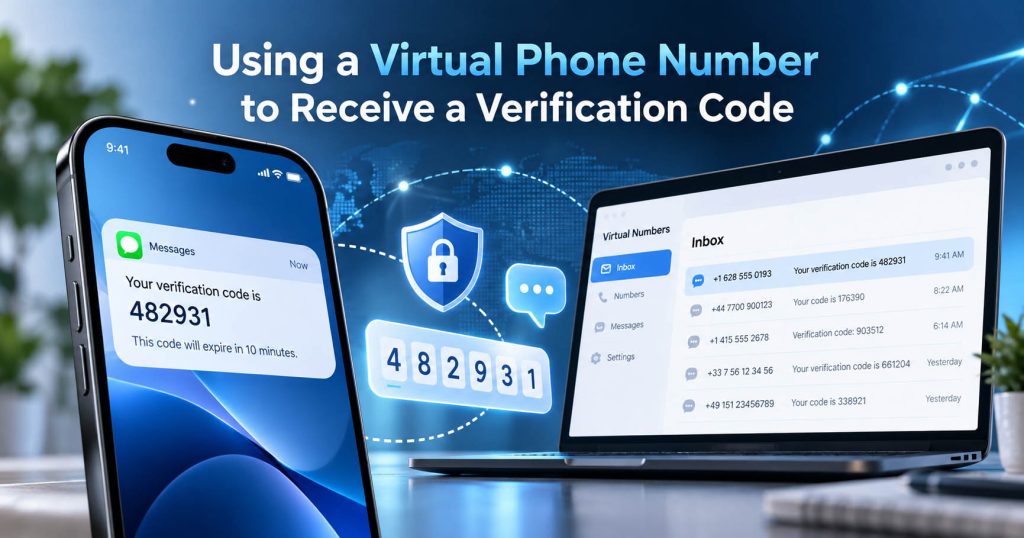
One of the most common options is a Virtual Phone Number. A virtual phone number is a number that can operate without necessarily being linked to a physical SIM inserted into the user’s phone.
Depending on the service, a virtual number may:
- receive SMS;
- receive OTPs;
- receive calls;
- forward calls;
- be managed through a website or application.
Advantages
A virtual number allows users to avoid providing their primary phone number. Some services also allow users to choose a number by country, making it more suitable for websites that require a number from a specific region.
Limitations
Not every website accepts virtual numbers.
Some platforms may check:
- line type;
- carrier;
- number range;
- usage history of the number.
If the system determines that the number belongs to VoIP or an unsupported type of virtual number, verification may be rejected. This is very important: A number being able to receive SMS does not mean that every website will accept that number. The ability to receive messages and compatibility with the platform are two different issues.
Using a Temporary Phone Number to Receive an OTP
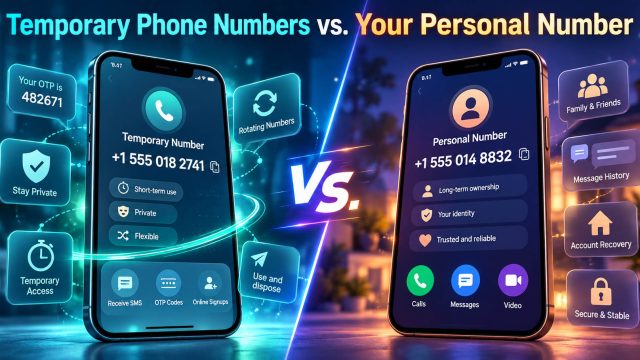
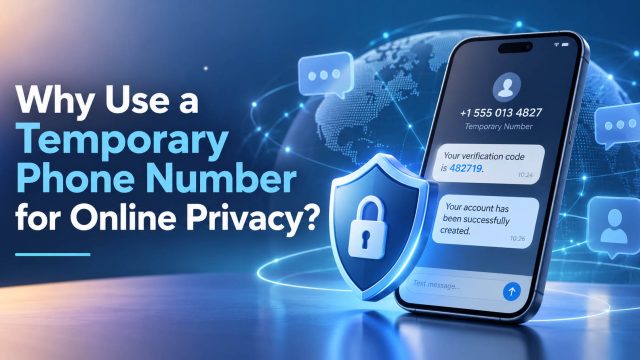
A Temporary Phone Number is a number used for a limited period or for a short-term purpose. This is a suitable option when users only need to receive a verification code for a specific task.
When Is a Temporary Phone Number Suitable?
Some situations where it may be considered include:
- testing SMS functionality;
- registering for less-sensitive services;
- trying out a platform;
- separating your personal number from websites that do not require long-term contact;
- short-term verification when the platform allows it.
When Should You Not Use It?
A temporary phone number is not suitable for accounts that you may need to recover months or years later. For example: banks, primary email accounts, business accounts, accounts containing important data, financial services, or accounts requiring long-term recovery.
The reason is very simple:
You may no longer have access to the number in the future.
If the website sends a recovery code to the old number, you may have difficulty recovering your account.
What Is the Difference Between a Public SMS Inbox and a Private Temporary Number?
This is one of the most important points when talking about privacy. Not all temporary numbers are the same.
Public SMS Inbox
A public number is usually shared by multiple people. Incoming messages may be displayed on a public page that anyone can view. If an OTP appears in a public inbox, other people may also be able to see the code. Therefore, this type of number is not suitable for any sensitive information.
Private or Dedicated Number
A private number is usually used by only one person or for one session during a specific period. Access to the inbox is more limited. This provides a higher level of privacy than a public number, but it still does not mean that the number is suitable for every account.
Second SIM or eSIM – A More Stable Solution
If the goal is to avoid using your personal number while still maintaining long-term control over the number, a second SIM or eSIM may be more suitable than a temporary number.
Why?
You still own and control the number.
The number can be used for:
- account registration;
- recovery;
- SMS Verification;
- work communications;
- marketplaces;
- online services.
When Should You Prioritize an eSIM or Second SIM?
If the account may require an OTP in the future. For example: You register today, but six months later you need to reset your password. In that case, a long-term number is generally more reliable than a temporary number.
Can You Complete Verification Without SMS at All?
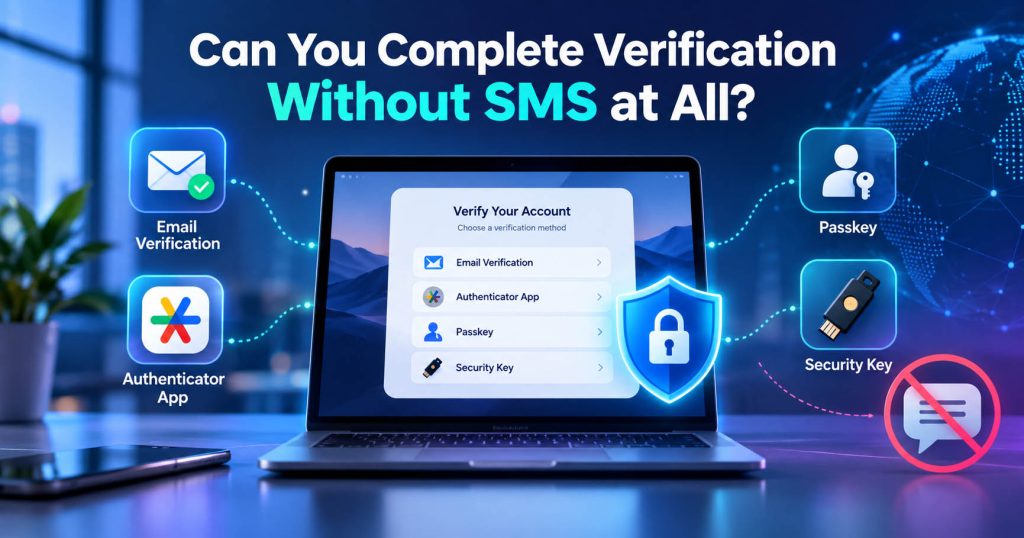
Yes, if the website supports another method.
Email Verification
Some platforms send a verification link or code to an email address.
Authenticator App
An authenticator uses TOTP codes instead of receiving SMS.
Passkey
A Passkey allows you to log in or authenticate using a device and cryptographic credentials without needing an OTP via SMS.
Security Key
Suitable for accounts with high security requirements.
Voice Call
Some platforms provide the verification code through an automated voice call.
Backup Code
If you have previously set up 2FA, backup codes can be used when you cannot receive SMS. However, it is important to reiterate: If the website requires phone verification, you cannot switch to email or a passkey yourself unless the website provides that option.
How to Receive a Verification Code Using a Virtual Phone Number
If the platform allows virtual numbers, the process is quite simple.
Step 1: Check the Website’s Requirements
Check whether the website requires a specific mobile number or has VoIP restrictions.
Step 2: Choose the Appropriate Country
If the website requires a number from a specific region, select the correct country.
Step 3: Get a Phone Number
Copy the number directly from the service.
Step 4: Enter the Number on the Website
Check the country code to avoid entering it twice.
Step 5: Request an OTP
Click Send Code or a similar option.
Step 6: Monitor the Inbox
Keep the dashboard open so you can read the SMS as soon as it arrives.
Step 7: Enter the Code
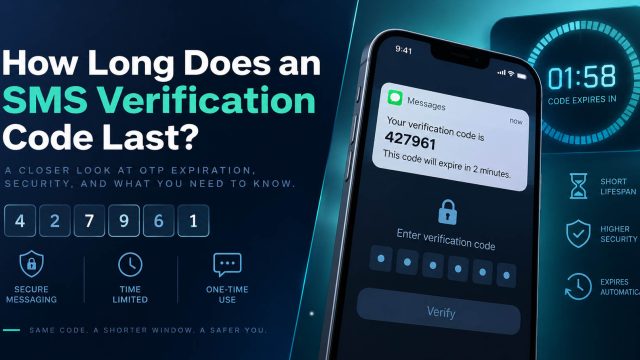
You should enter the OTP as soon as possible because a verification code usually has an expiry time.
Step 8: Do Not Resend Continuously
If the SMS does not arrive immediately, wait before requesting a new code to avoid a rate limit.
Receive a Verification Code with SMS Nova Without Using Your Personal Number
With SMS Nova, users can use a virtual phone number or temporary phone number for online SMS receiving needs when the target platform supports that type of number.
Need a Virtual Number Right Now?
Skip the wait — rent an instant virtual number and start receiving SMS codes in seconds.
The basic process includes:
Select the Country
Select the country that is appropriate for the service being verified.
Select the Correct Service
If the system categorizes numbers by platform, you should select the correct service to increase compatibility.
Copy the Number
You should not type it manually because it is very easy to enter one incorrect digit or country code.
Request the OTP Once
After entering the number on the website, send one request first.
Keep the Dashboard Open
Monitor the SMS as soon as the message appears.
Check the Timestamp
If there are multiple OTPs, prioritize the code belonging to the current verification attempt.
If the Code Does Not Arrive
Distinguish between:
Delivery Delay – the SMS has not arrived yet but may still appear.
Delivery Failure – the message was not delivered.
Rate Limit – the code has been requested too many times.
Number Restriction – the website does not accept this type of number.
Compatibility Issue – the route or number type is not compatible with the platform.
Correctly identifying the error helps resolve the issue faster than continuously changing numbers.
Why Do Virtual or Temporary Phone Numbers Sometimes Not Receive OTPs?
Not receiving an OTP does not necessarily mean that the number is faulty. There can be many different reasons.
The Website Does Not Support the Number Type
Some platforms may reject:
- VoIP Number;
- Virtual Number;
- Temporary Number;
- Disposable Number.
The Number Has Been Used Before
A shared or recycled number may have previously been used to register an account on the website. If the platform limits the number of accounts that can be associated with each phone number, verification may be rejected.
Carrier or Routing
The SMS may have to pass through multiple carriers or routes. If the route does not support that sender, the OTP may not arrive.
Short Code
Some verification messages are sent from a short code. Not every number type or carrier supports every short code.
Rate Limit
If you continuously click Resend Code, the website may temporarily stop sending OTPs.
Anti-Fraud
The website may evaluate IP, device, number history, request frequency, and other signals. In this case, the OTP may not be sent even though the number can still receive SMS normally.
Can a Website Detect That You Are Using a Virtual Phone Number?
It can. Modern platforms may use number intelligence to check information related to a phone number. For example: carrier, line type, country, VoIP/mobile classification, and the history of the number range.
However: Detecting a virtual number does not mean that the number will definitely be blocked. Each website has different policies. One platform may accept a virtual number, while another may only allow a traditional mobile number.
If the website does not accept the type of number you are using, the appropriate approach is to use a supported number type or choose another verification method if available.
Is a Temporary Phone Number Safe for Receiving a Verification Code?
The answer depends on the type of number and the type of account.
For Less-Sensitive Tasks
A private temporary number can be useful for avoiding the need to provide your primary number.
For a Public Inbox
It should not be used for private information. An OTP displayed publicly may be visible to other people.
For Important Accounts
You should not rely on a temporary number. The account may require a code to be sent to the same number in the future. If you no longer have control over the number, recovery will become more difficult.
Number Recycling
A phone number may be reassigned to another person after a certain period of time. This makes short-term numbers even less suitable for long-term authentication.
Does a Temporary Phone Number Help You Stay Anonymous?
Not completely. This is a fairly common misunderstanding. Using a temporary number can help ensure that the website does not receive your primary personal phone number.
However, the website may still have access to:
- email;
- IP address;
- device information;
- cookies;
- browser fingerprint;
- other account information.
Therefore:
Temporary Number = Privacy Separation
not:
Temporary Number = Complete Anonymity
This is a more accurate and safer way to understand it.
When Should You Use a Personal or Long-Term Phone Number?
Avoiding your personal number is not always the best choice. You should prioritize a number that you can control long-term when the account is related to:
- banking;
- financial services;
- work;
- primary email;
- important personal data;
- long-term account recovery.
In these cases, maintaining access to the number is more important than the benefit of a short-term verification number.
Mistakes to Avoid When Receiving an OTP Without Using Your Personal Number
Using a Public Inbox for an Important Account
This is the biggest risk. If the OTP is publicly visible, other people may be able to see the code.
Not Checking Platform Compatibility
Not every virtual number works on every website.
Resending the OTP Too Many Times
This may trigger a rate limit.
Continuously Changing Numbers
Too many verification attempts may be considered unusual activity by the anti-fraud system.
Using a Temporary Number for Long-Term Account Recovery
If you lose access to the number, you may also lose the recovery method.
Not Setting Up a Backup Method
If the website supports an authenticator, email, or backup code, you should set up an additional method to reduce dependence on SMS.
Frequently Asked Questions
Can You Receive an OTP Without a Physical SIM?
Yes, if you use a virtual number or an online SMS receiving service that is accepted by the website.
Can You Receive a Verification Code Without Providing Your Personal Phone Number?
Yes. You can use another number or an alternative verification method if the platform allows it.
Can a Virtual Phone Number Receive an OTP?
It can. This depends on the carrier, route, and the website’s policies.
Can a Temporary Phone Number Receive SMS Verification?
It can, provided that the number supports incoming SMS and is accepted by the website.
Is a Public SMS Number Safe?
It is not suitable for sensitive information because incoming SMS messages may be displayed publicly.
Can a Website Know That I Am Using a Virtual Number?
It can. A website may check the carrier, line type, or number range.
Can You Use a Temporary Number for Account Recovery?
It is not recommended if you are not sure that you will still have access to the number in the future.
Can You Completely Skip Phone Verification?
Only if the website provides another verification method.
What Should You Do If a Virtual Number Is Rejected?
Use a number type supported by the platform or choose another verification method if available.
Does a Virtual Number Make OTPs Arrive More Slowly?
Not necessarily. Delivery speed depends on the SMS Provider, carrier, route, and network conditions.
Reference sources:
https://support.microsoft.com/en-gb/accounts-billing/manage/troubleshoot-microsoft-verification-code-issues
https://www.twilio.com/docs/lookup/v2-api/line-type-intelligence
https://support.google.com/accounts/answer/13548313?hl=en
https://support.google.com/accounts/answer/1187538
Need a Virtual Number Right Now?
Skip the wait — rent an instant virtual number and start receiving SMS codes in seconds.

 Apple
Apple  Telegram