Need a Virtual Number Right Now?
Skip the wait — rent an instant virtual number and start receiving SMS codes in seconds.
During the process of using a phone number to register an account, log in, or verify an identity, one of the situations we encounter most frequently at SMS Nova is: the user has requested a code but does not receive the OTP code via SMS.
You enter the correct phone number, click “Send Code” or “Resend OTP,” and the system reports that the code has been sent, but after several minutes, the message still does not appear. In many cases, users immediately assume that the phone number is faulty. However, in reality, the process of delivering an OTP is much more complicated.
A verification SMS has to pass through multiple different components, from the website or application that generates the code, the SMS Gateway system, and telecommunications routes, to the mobile carrier and finally the recipient’s phone number. If just one link in this chain encounters a problem, the code may arrive late or may not arrive at all.
Based on its experience working with virtual phone number and temporary phone number, SMS Nova has found that the reasons for not receiving an OTP generally fall into three main groups: issues with the phone number and device, issues with the SMS route or mobile carrier, and policies of the website sending the code.
Understanding the actual cause will help you resolve the issue more quickly instead of repeatedly requesting that the code be resent, which may unintentionally cause the system to activate anti-spam restrictions.
What Is an SMS Verification Code?
An SMS verification code is commonly referred to as an OTP – One-Time Password, meaning a password that can only be used once. A website or application sends this code to the user’s phone number to verify whether that person actually controls the phone number they provided.
OTPs commonly appear in situations such as registering a new account, logging in from an unfamiliar device, recovering a password, verifying a phone number, or performing two-factor authentication.
It is important to understand that the “Code Sent” notification does not mean that the message has already been delivered to the phone. This notification usually only indicates that the website has created a request to send the code.
After this step, the SMS still has to be processed through multiple intermediary systems. If the mobile carrier cannot route the message, the type of number is not supported, or the website rejects the number being used, the code may never appear.
Why Are You Not Receive the SMS Verification Code?
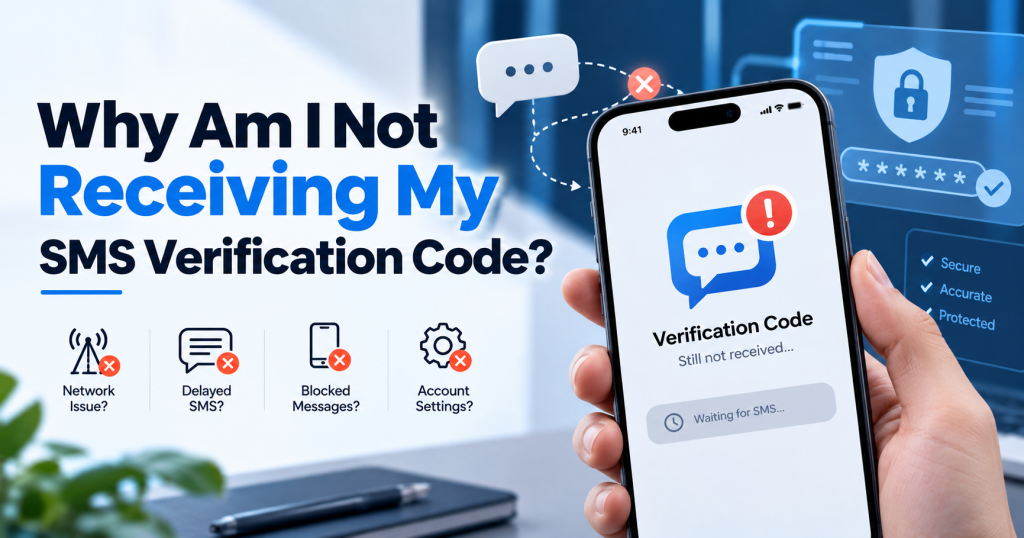
Incorrect Phone Number or Country Code
This is the simplest error, but it happens very frequently. Even a single incorrect digit, a missing country code, or an incorrect format can cause the SMS to be sent to the wrong destination or rejected by the system.
When using an international phone number, you should pay particular attention to the country code. If the website has a country selection menu, check whether you need to enter the country code again in the phone number field.
For example, some systems automatically add the country code after the user selects a country, while others require the full number to be entered in international format. Before looking for more complicated technical causes, check every digit carefully.
The Device Has No Signal or Cannot Connect to the Mobile Network
If you are using a regular SIM card, your ability to receive SMS depends on the connection between your device and the mobile carrier. A phone that is turned off, has no signal, is in an area with weak coverage, or is experiencing network registration issues may not receive SMS immediately.
One thing that can easily cause confusion is that you may still be able to access the Internet via Wi-Fi while your mobile network connection is not working properly. In this case, check the signal, turn Airplane Mode on and then off, or restart your phone.
You Are Using Roaming
If you are abroad and using a SIM card from another country, the OTP message may have to pass through more intermediary networks. This increases the possibility of delays, especially with international SMS.
Some mobile carriers or subscription plans also have their own restrictions on SMS while roaming. Therefore, if the OTP only fails to arrive when you are abroad, roaming is a factor that should be checked.
The Message Has Arrived but Was Filtered
Not every case of “not receiving an SMS” means that the SMS has not arrived. Modern messaging applications often have the ability to filter unknown senders, spam, or automated messages.
The OTP may be located in the Spam, Unknown Senders, or another secondary inbox that the user does not notice. If you use a third-party SMS management application, also check the application’s filters. This is one of the simplest steps, but it is often overlooked.
Too Many OTP Requests
When the code does not appear, many people repeatedly press Resend Code. This is not always the best approach. Modern platforms commonly use rate limits and anti-abuse systems to prevent a phone number from requesting too many OTPs within a short period.
If you request the code repeatedly, the system may temporarily block SMS delivery. In addition, some websites only accept the latest OTP. This means that if you request four codes in succession, the previous three may no longer be valid, even if they arrive later.
Based on our experience, it is better to wait for a reasonable amount of time before requesting a new code rather than continuously pressing Resend.
The SMS Gateway or SMS Route Is Experiencing Delays
A website usually does not send an SMS directly to your phone. Instead, the website sends a request to an SMS provider. The message is then routed through an SMS Gateway, telecommunications networks, and the recipient’s mobile carrier.
If a route is overloaded or experiencing an issue, the message may be delayed. This is also why the same phone number may receive an OTP from service A very quickly while an OTP from service B arrives much later. The two websites may be using completely different SMS providers.
The Message Is Being Filtered by the Mobile Carrier
Mobile carriers have to process a very large volume of automated SMS messages every day. To reduce spam, phishing, and suspicious traffic, automated filtering systems are commonly used. Some OTP messages may be blocked before reaching the user if they are considered inappropriate traffic or if there is an issue with the sending route.
This situation is very difficult to identify from the user’s side because the phone may still be able to receive regular SMS messages. If only one particular service is unable to deliver an OTP while SMS from other sources continues to arrive normally, the problem may lie with the sending route or sender.
Short Code Is Not Supported
Many services do not send OTPs from a regular phone number but instead use a short code, which refers to short numbers designed for automated messaging.
Some mobile carriers, countries, or types of phone numbers may not support short codes from certain sources. This is particularly important for users of VoIP numbers or virtual phone numbers, because not all types of numbers are capable of receiving SMS from short codes.
The System Detects Unusual Activity
Large platforms often have anti-fraud systems. If the system detects unusual behavior, such as logging in from a new location, frequently changing devices, using a VPN, or requesting OTPs too many times, code delivery may be restricted. In this case, the problem is not with the phone number.
The website simply has not allowed another code to be sent. If the screen displays messages such as “Try again later,” “Too many attempts,” or “We cannot send a code right now,” you should stop trying for a while rather than continuing to request OTPs.
Why Is a Virtual Phone Number Not Receiving an OTP?
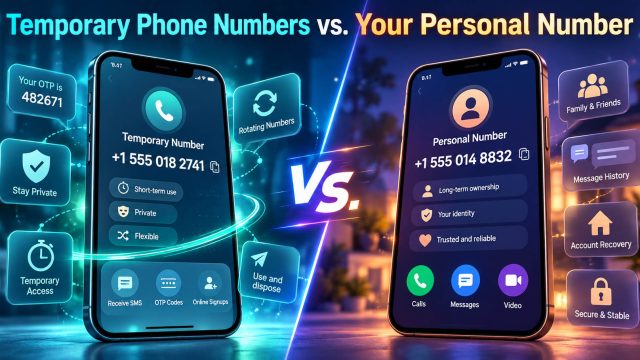
This is the issue that SMS Nova users are most concerned about. A virtual phone number can receive SMS and OTPs, but this does not mean that every virtual phone number works with every website. The ability to receive an OTP depends on the type of number, country, mobile carrier, SMS route, and the policies of the platform that requires verification.
The Website Does Not Accept VoIP or Virtual Phone Numbers
Some platforms actively block:
VoIP Numbers, Virtual Numbers, Temporary Phone Numbers, or Disposable Phone Numbers.
Need a Virtual Number Right Now?
Skip the wait — rent an instant virtual number and start receiving SMS codes in seconds.
The usual purpose is to limit bots, spam, or mass account creation. In this case, even if the number is working completely normally, the website may still not send an OTP to that number. Therefore, if a temporary phone number does not receive a code from a particular website, it does not necessarily mean that the number itself is faulty.
The Number Is Not Compatible with the Service Being Verified
A phone number may receive OTPs from one service but not work with another. For example, a number may be able to receive regular SMS but not receive OTPs from a specific sender or short code.
This is why temporary phone number services often categorize numbers by country and platform instead of simply providing a general list of numbers. When using SMS Nova, you should select the correct country and service you need to verify before obtaining a number.
The International SMS Route Is Not Compatible
A number from a particular country does not guarantee that every international SMS can be delivered to it. SMS messages have to pass through multiple networks and providers. A route may work well today but experience delays at another time.
This is a common characteristic of international SMS systems and is why it is not advisable to guarantee that any number will have a 100% OTP delivery rate.
The Number Has Been Used Too Many Times
Some websites keep a history of phone numbers that have previously been used for registration. If a number appears too many times, the anti-abuse system may reject the OTP request or prevent the number from being used to create a new account. This is particularly important for public SMS numbers or shared numbers.
The Temporary Number Has Expired
Temporary phone numbers are designed to be used for a limited period of time. If the OTP arrives after the number’s usage period has ended, the user may no longer have access to the inbox. Therefore, after obtaining a number, request the OTP while the number is still valid.
How to Fix the Problem When You Do Not Receive the OTP
Based on our experience supporting users, we recommend troubleshooting the issue step by step rather than trying random solutions.
First, check the phone number and country code again. A small formatting error can cause the entire process to fail.
Next, if you are using a physical SIM card, check whether your device is receiving regular SMS messages. If even messages from other people are not arriving, the problem is more likely to be related to the device or mobile carrier.
If other SMS messages are still working normally, check your Spam, Unknown Senders, and other message filters.
After that, do not continuously request the code to be resent. Wait a few minutes and then try again once.
If the website supports other verification methods, such as email, a phone call, an Authenticator App, or a passkey, you can use one of those methods instead of SMS.
If the problem only occurs with one particular website while other services are still sending OTPs normally, the issue is likely related to the website or the platform’s policies.
What Should You Do If You Do Not Receive a Verification Code on SMS Nova?
If you are using SMS Nova to receive a verification code, the first step is to check whether you have selected the correct country and the correct service.
The usual process on SMS Nova is:
Select country → select service → get a number → enter the number on the website → request OTP → return to SMS Nova to receive the code.
If the OTP has not appeared, do not immediately request multiple new codes repeatedly. Check the status of the number and wait for a reasonable amount of time. Some senders or international routes may experience delays.
If the number is not compatible with the website, you may need to choose a different number or check whether the platform accepts virtual phone numbers.
The important thing to understand is that SMS Nova provides the tool for receiving SMS, but the decision on whether to send an OTP to a specific number still belongs to the website or application you are trying to verify. No temporary phone number provider can guarantee that every number will work with every service.
What If You Receive the OTP That You Did Not Request?
Another situation that we often advise users to pay attention to is receive the OTP even though you did not request one. In this case, never share the code.
Someone may have simply entered the wrong phone number, but it is also possible that another person is attempting to log in to your account. If someone calls or sends you a message asking you to read out the OTP, refuse.
An OTP is designed to prove that you are in control of the phone number. If you give the code to someone else, this layer of protection may be bypassed. For important accounts, check your login history and change your password if you detect any unusual activity.
Frequently Asked Questions About Not Receive the OTP Code
Why Is the Phone Number Correct but I Still Do Not Receive the OTP?
Having the correct number is only one condition. The SMS still has to pass through the SMS Gateway, telecommunications routes, and the mobile carrier. The code may also be restricted by the website or blocked by an anti-spam system.
How Long Does an OTP Usually Take to Arrive?
Under normal conditions, an OTP usually arrives quite quickly. However, international SMS or an overloaded route may take longer. If the code does not arrive within a few seconds, wait before requesting a new code.
Should I Click Resend Code Multiple Times?
No. Requesting too many codes within a short period may trigger a rate limit or anti-fraud system. In addition, a new code may cause the previous OTP to become invalid.
Why Is My Virtual Phone Number Not Receive the OTP?
The usual reasons are that the website does not accept virtual numbers, the SMS route is incompatible, short codes are not supported, or the number has been used too many times.
Can a Temporary Phone Number Receive OTPs?
Yes, if the number supports SMS and the platform accepts that type of number. The likelihood of successful delivery depends on both the number provider and the website sending the OTP.
Why Does the OTP Arrive but Become Invalid When I Enter It?
The code may have expired or may have been replaced by a newer OTP. If you have clicked Resend multiple times, prioritize using the latest code.
Can I Receive an OTP Without a Physical SIM Card?
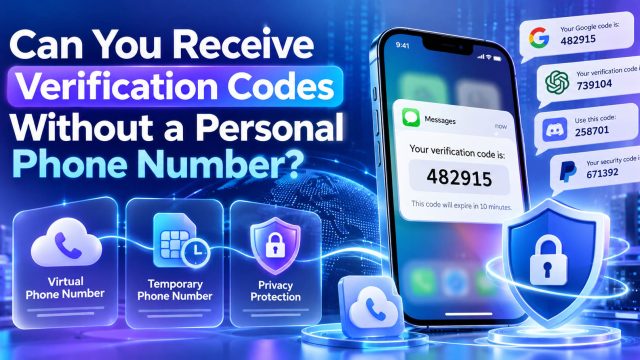
Yes. Some virtual phone number and temporary phone number allow users to receive SMS online through a dashboard without having to physically insert the corresponding SIM card into a phone.
Should I Use a Temporary Phone Number to Recover an Account?
We do not recommend it. Temporary phone number are more suitable for short-term needs. If an account needs to be maintained for months or years, use a phone number that you can control over the long term or add other recovery methods.
Reference sources:
- https://help.twilio.com/articles/4404317129627-Troubleshooting-Undelivered-Verify-and-Authy-SMS-Messages
- https://www.twilio.com/docs/api/errors/30003
- https://www.twilio.com/docs/api/errors/30007
- https://support.microsoft.com/vi-VN/accounts-billing/manage/troubleshoot-microsoft-verification-code-issues
- https://support.google.com/accounts/answer/185834?hl=en
- https://support.google.com/accounts/answer/148367?hl=en
- https://support.apple.com/en-gb/102606
- https://support.apple.com/en-ng/guide/iphone/iph203ab0be4/ios
Need a Virtual Number Right Now?
Skip the wait — rent an instant virtual number and start receiving SMS codes in seconds.

 Apple
Apple  Telegram