Need a Virtual Number Right Now?
Skip the wait — rent an instant virtual number and start receiving SMS codes in seconds.
You have just received an OTP via SMS and entered it into a website or application, but the system displays “Verification code expired,” “OTP expired,” or “Code has expired.” This is a very common situation during phone number verification, login, account recovery, or two-factor authentication.
From the perspective of a provider specializing in virtual phone number and temporary phone number, we have found that many users often mistakenly assume that an expired code means the phone number is faulty. In reality, these are two completely different issues.
An OTP is designed to remain valid only for a certain period of time. Once that period ends, the system will reject the code even if you enter every digit correctly.
So, what should you do when an SMS verification code expires, why do OTPs have an expiration time, should you continuously request new codes, and how should you handle this when using a temporary phone number? These are the issues we will explain in detail in this article.
What Does It Mean When an SMS Verification Code Expires?
First, it is important to understand the nature of an OTP.
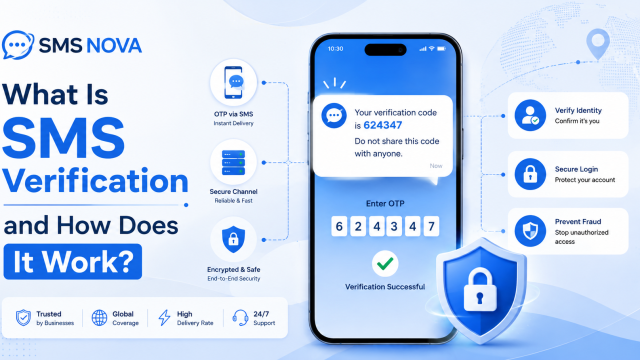
OTP – One-Time Password or One-Time Passcode is a verification code generated for use during a specific session or for a specific action. OTPs are commonly sent via SMS when users register an account, log in from a new device, reset a password, verify a phone number, or complete a security step.
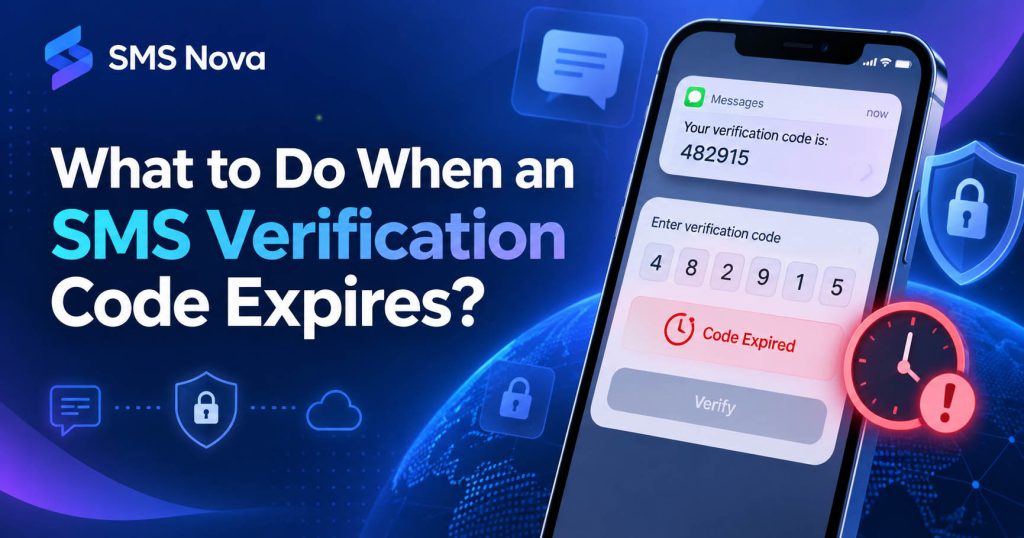
Unlike a regular password, an OTP is not designed for long-term use. A verification code generally has two main limitations: it can only be used once and it is only valid for a certain period of time. Once that period has passed, the code is considered expired. If you continue to enter the old code, the system may display messages such as:
OTP expired, Verification code expired, Code is no longer valid, or Request a new code.
It is important to understand that an expired code does not mean that the phone number has expired. The website or application is the party that determines how long an OTP remains valid. The phone number only serves to receive the message containing the code.
How Long Is an OTP Usually Valid?
There is no fixed expiration period that applies to all SMS OTPs. One platform may allow a code to remain valid for around one minute, while another may set the expiration time to several minutes or longer.
This depends on how the verification system is designed, the sensitivity of the action, and the security policies of each service. For example, a website that uses an OTP only to verify a standard registration may allow a longer period for entering the code. In contrast, an action related to security or financial transactions may use a code with a shorter validity period.
Therefore, instead of assuming that “every OTP is valid for 5 minutes” or “10 minutes,” you should pay attention to the information displayed directly on the verification screen.
If the website has a countdown such as:
Code expires in 01:45
then this is the time you should use as your reference. In practical SMS Verification scenarios, a fairly common problem is that users receive the SMS late but do not check when the code was generated. By the time they enter the code, the OTP is already close to expiring or has already completely expired.
Why Do SMS Verification Codes Have to Expire?
An OTP expiring is not a system error. On the contrary, it is an important security mechanism.
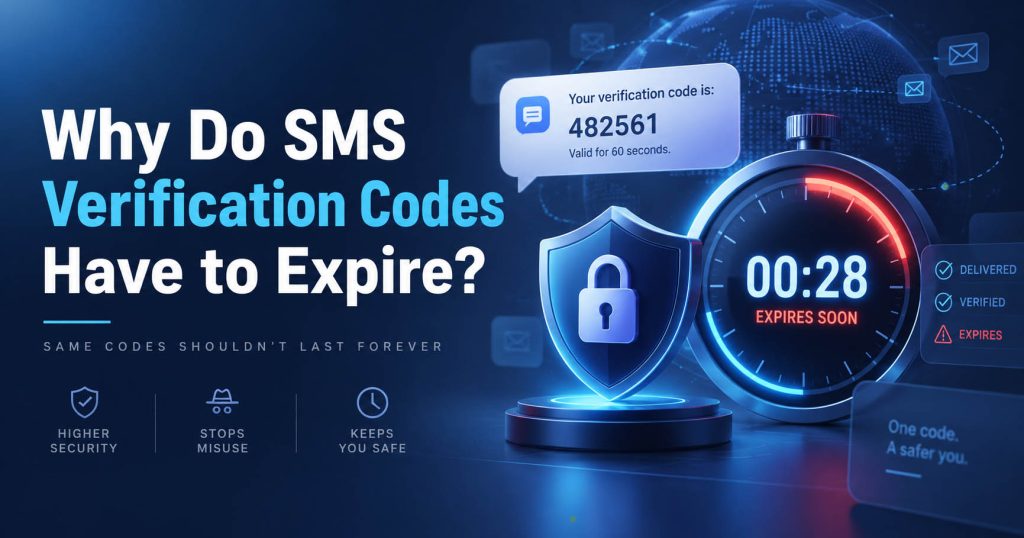
Reducing the Possibility of an Old Code Being Reused
Imagine if an OTP could be used forever. If someone accidentally saw the code or the code was stored in the SMS history, they could try to use it again in the future. By limiting the validity period, the system significantly reduces the amount of time during which an OTP could be misused. For example, if the code is only valid for a few minutes, someone who obtains the OTP several hours later will not be able to use it to complete the verification.
Limiting Code Reuse in Another Session
An OTP is usually tied to a specific verification session. A code generated when you logged in at 10:00 AM cannot necessarily be used for a new login request at 10:30 AM. This helps the system distinguish between individual sessions and prevents an old code from being reused.
Reducing Risks When SMS Is Delayed or Exposed
SMS messages can remain stored on a device for quite a long time. If a code remained valid for several hours or days, the risk of unauthorized use would be higher. Automatically expiring the code helps reduce this risk even when the message is still stored in the inbox.
What Should You Do When an SMS Verification Code Has Expired?
When the system reports that the OTP has expired, the first thing you should do is stop using the old code. This is the most important principle.
Step 1 – Do Not Continue Entering the Expired Code
If the website has already displayed “Code expired,” entering the same code again usually will not help. Trying too many times may even cause the system to activate an attempt limit or temporarily lock the verification process. Discard the old code and proceed to request a new one.
Step 2 – Select Resend Code or Request New OTP
Usually, there will be a button below the code entry field such as:
Resend Code, Send New Code, Request New OTP, or a similar option.
Click it to ask the website to generate a new verification code.
The process then becomes:
Old OTP expires → request a new code → receive a new SMS → enter the new OTP
Step 3 – Use Only the Latest Code
This is particularly important if you have requested multiple OTPs.
Suppose you receive three messages:
10:01 – Code: 381204
10:02 – Code: 495771
10:03 – Code: 927155
In many systems, the new code may replace the old one. Therefore, instead of trying each code in sequence, prioritize the code associated with the most recent verification request. One of the most common mistakes we see is that users receive an SMS late and then enter the first code that appears, even though they have already requested a newer code.
Step 4 – Enter the Code Immediately After Receiving It
After requesting a new OTP, keep the verification page open and wait for the SMS. When the code appears, enter it as soon as possible. If you switch between multiple applications, close the verification page, or wait too long, you may end up repeating the same problem again.
Should You Continuously Click “Resend OTP”?
No. This is one of the actions we do not recommend. When they have not received an OTP, many people think that clicking Resend Code more times will increase the chances of receiving the code. In reality, the opposite may happen.
Websites often use rate limits, which means limiting the number of times a user can request an OTP within a certain period of time. The purpose of this mechanism is to limit spam, bots, brute-force attacks, and mass SMS sending. If you continuously request codes, the system may temporarily stop sending OTPs or display messages such as:
Too many attempts, Please try again later, or Too many verification requests.
In addition, generating multiple OTPs in succession can make it difficult for you to determine which code is still valid. Therefore, a better approach is to follow the website’s countdown. If the system asks you to wait 30 or 60 seconds before clicking Resend, wait until that period has passed. There is no single waiting period that applies to all platforms.
What Should You Do If a New Code Has Been Sent but You Still Do Not Receive It?
If the old OTP has expired, you request a new code, but the new SMS still does not arrive, then the issue is no longer related only to expiration. You need to check the SMS receiving process. First, confirm that the phone number is correct. Check each digit and the country code. If you are using a physical SIM card, make sure that your phone still has a signal and can receive normal SMS messages.
Next, check the Spam, Unknown Senders, or SMS Filter folders. Some verification codes may have already arrived but were classified by the messaging app into another section. If you have clicked Resend multiple times, stop instead of continuing to request more codes. The system may be applying a rate limit. If the website provides multiple verification methods, you can try email, a voice call, an authenticator app, a backup code, or a passkey.
Another important sign is this: if you can still receive SMS messages from many other services but only one particular website does not send the code, the cause is more likely to be with the website or its OTP sending route rather than with the phone number.
OTP Expiration When Using a Virtual Phone Number or Temporary Phone Number
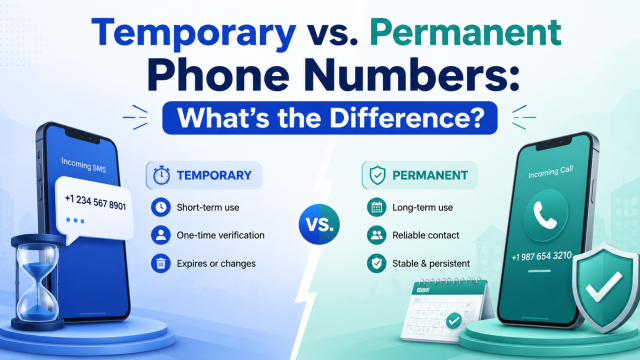
This is the part that SMS Nova users often need to distinguish most clearly. There are two completely different types of “expiration”:
The OTP validity period and the usage period of the temporary phone number.
They are not the same.
OTP Validity Period
This is determined by the website sending the code. For example, a website may make the code valid for a few minutes.
Need a Virtual Number Right Now?
Skip the wait — rent an instant virtual number and start receiving SMS codes in seconds.
Temporary Phone Number Usage Period
This is determined by the service providing the number. A phone number may remain available for a certain period of time so that the user can continue receiving SMS messages.
Therefore, two situations may occur.
Situation 1: The phone number is still active, but the OTP has expired.
In this case, you only need to return to the website and request a new code if the website still allows SMS to be sent to that number.
Situation 2: The website sends a new OTP, but the temporary phone number session has ended.
In this case, you may no longer have access to messages sent to the old number.
Distinguishing between these two situations helps avoid the misunderstanding that “the OTP expired because the number was temporary.” In reality, the website determines the expiration of the OTP, while the phone number only receives the SMS.
How to Handle an Expired OTP When Using SMS Nova
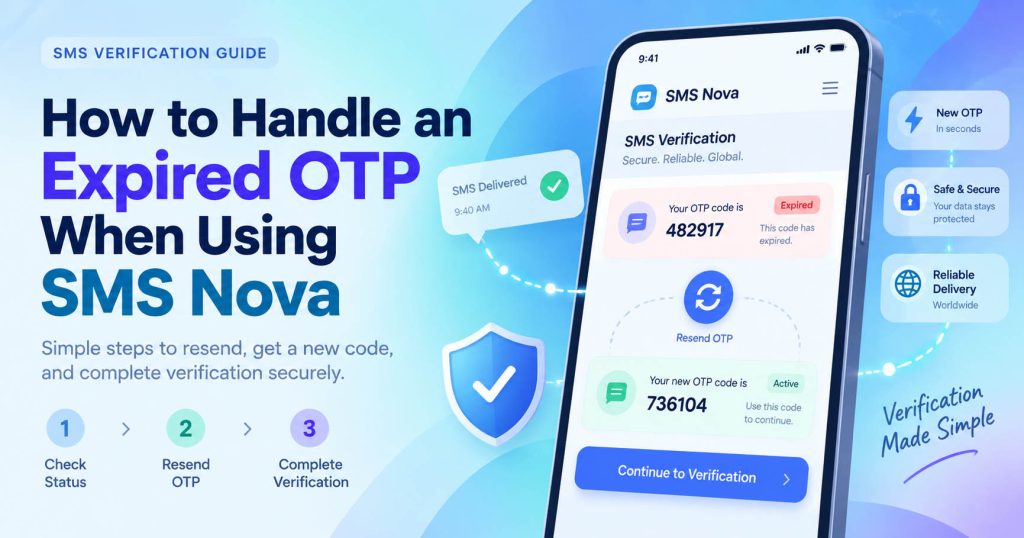
If you use SMS Nova to receive a verification code and the website reports that the code has expired, the process for handling it is relatively simple.
First, check whether the number you are using on SMS Nova is still available. If the number is still within the usage session, return to the website that requires verification and select Resend Code or Request New OTP.
Then return to the SMS Nova dashboard and wait for the new message. When the new SMS arrives, check the time it was received to make sure you are using the OTP associated with the most recent request. You should not copy an old code simply because it is still displayed in the inbox.
The process can be summarized as:
Check the number → request a new OTP → wait for the new SMS → get the latest code → enter it into the website immediately
If the new code still does not appear, check the country, service, and whether the number is compatible with the platform that requires verification.
It is important to distinguish between these two messages:
“Code expired” means that the code was previously valid, but its validity period has ended.
Meanwhile:
“This phone number cannot be used” or a similar error is usually related to the platform not accepting that number. These are two completely different issues.
Does a Temporary Phone Number Cause an OTP to Expire Faster?
Not necessarily. This is a fairly common misunderstanding. The validity period of an OTP is usually determined by the website or application issuing the code, not by the provider of the temporary phone number.
For example, if a website sets an OTP to remain valid for 3 minutes, a code sent to a real SIM card or a virtual phone number is, in principle, subject to the same time limit set by the website. The difference lies in the delivery speed. If the SMS sent to the temporary number is delayed for too long, the user may receive the code when the OTP is already close to expiring. However, the direct cause is still delivery delay + expiration time, not because the Virtual Phone Number itself causes the OTP to expire.
How Can You Avoid an OTP Expiring During the Next Verification Attempt?
A few small changes in the way you use the service can significantly reduce the need to request the code again. Before clicking Send Code, make sure you are ready to complete the verification process. If you are using a SIM card, check that the device has a signal. If you are using a temporary phone number, it is recommended to have the SMS receiving dashboard open in advance.
After requesting the code, keep the verification screen open so that you can enter the OTP immediately. Do not request a new code if the current code is still within its validity period and you have not encountered an error. In addition, you should not start the verification process and then leave it unattended for several minutes. OTPs are designed to be used almost immediately.
Is an Expired Verification Code a Security Error?
Usually, no. Expiration is a security feature, not an error. A good OTP system must ensure that a code does not remain valid indefinitely.
If the code is exposed but its validity period has already ended, the person who obtained the OTP will also not be able to use it for verification. This is why, when a code expires, the correct approach is not to try to find a way to “reactivate” the old code, but to request a new OTP.
What If You Receive an Expired OTP After a Long Delay?
This case is usually related to SMS delivery delay. For example, you request an OTP at 10:00, but the message only appears at 10:06. If the website sets the validity period to a few minutes, the code may no longer be usable by the time you see the SMS.
In that case, do not try the old code multiple times. Request a new code and monitor the SMS immediately after sending the request. If the problem keeps occurring with the same platform, the SMS route between the service sending the code and the phone number may be experiencing delays.
Frequently Asked Questions About Expired OTP Codes
Can an expired OTP be used again?
Usually, no. Once the system has determined that the code has expired, you need to request a new OTP.
How long does an OTP remain valid?
There is no fixed period that applies to all services. The validity period is determined by the website or application that generates the code.
Why did the OTP expire immediately after I received it?
The SMS may have been delayed during transmission, or you may be receiving a code associated with an old verification request. If you have requested multiple OTPs, check the time of the messages and use the latest code.
Does Resend OTP always generate a new code?
Not necessarily. The way it works depends on each system. Some websites generate a new OTP, while other systems may continue using the current token for a certain period of time.
For users, the important thing is to follow the instructions displayed on the screen and use the code associated with the most recent request.
If I receive multiple OTPs, which code should I enter?
Prioritize the OTP associated with the most recent verification request. You should not try all the codes from the oldest to the newest, as this may increase the number of incorrect attempts.
Does an expired OTP mean that the phone number is faulty?
No. OTP expiration is related to the validity period of the code. The phone number may still be working completely normally.
Can I request a new OTP using the same number?
Usually, yes, if the number is still active, the website still accepts the number, and you have not exceeded the request limit.
Can a temporary phone number receive a new OTP after the old code has expired?
It can, if the number is still available and the website continues to allow codes to be sent to that number.
Why does the new code not arrive after I click Resend?
The cause may be related to the rate limit, SMS route, carrier, number format, or the website’s policy regarding the type of number being used.
Should I use a temporary phone number as an account recovery number?
It is not recommended if you are not sure that you will continue to control the number in the future. Temporary phone number are more suitable for short-term verification needs. For important accounts, you should use a phone number or recovery method that you can maintain for the long term.
Reference sources:
https://pages.nist.gov/800-63-4/sp800-63b/authenticators/
https://support.google.com/accounts/answer/185834
https://ask.gov.sg/singpass/questions/clul19h8o001jyisxg1v1fvk2
https://auth0.com/docs/customize/forms/flows/integrations/data-verification
Need a Virtual Number Right Now?
Skip the wait — rent an instant virtual number and start receiving SMS codes in seconds.

 Apple
Apple  Telegram